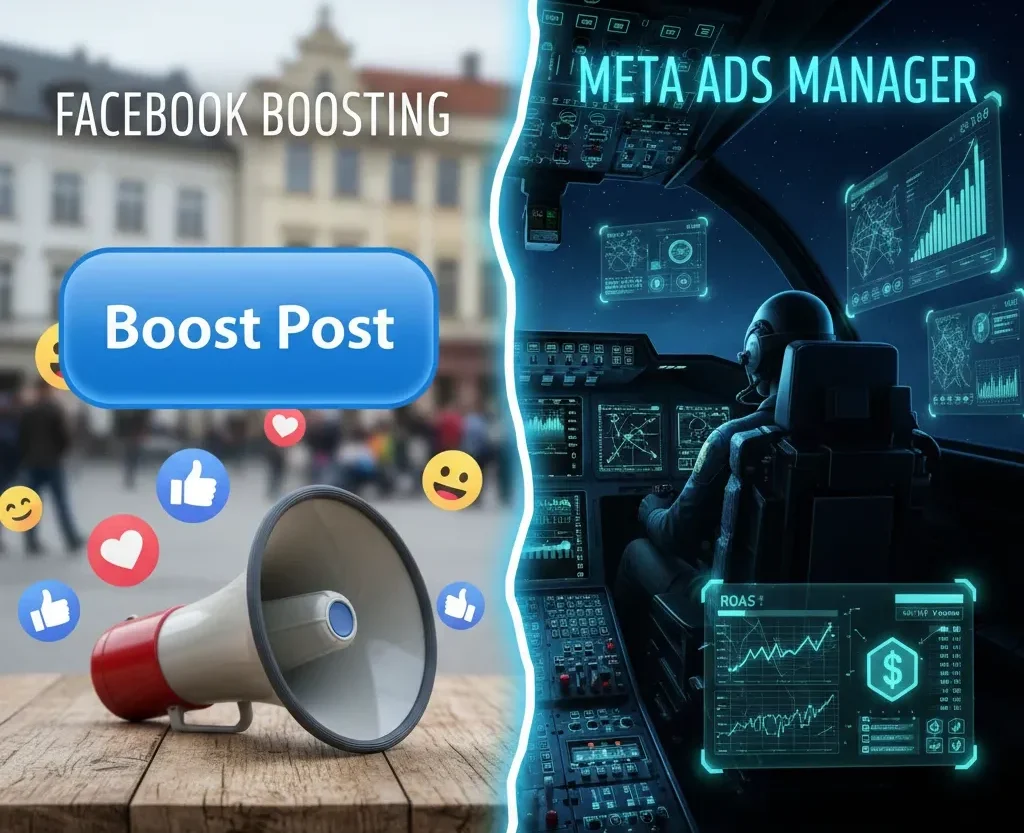
It sits there under every post on your business page. That bright blue button whispering seductively: “Boost Post.” It seems so easy. You wrote a great post, people are liking it, and Facebook is telling you that for just $20, thousands more could see it. You click, you pay, and the likes start rolling in. You feel like a marketer. But then, a week later, you look at your sales figures. Nothing changed. You got likes, hearts, and a few comments, but your bottom line didn’t budge.
This is the most common scenario facing small business owners and marketing beginners on Facebook and Instagram today. It stems from a fundamental misunderstanding of the two distinct advertising engines living under the Meta umbrella.
There is the “Boost,” and then there is “Meta Ads Manager.” While both involve paying Meta to display content, treating them as equals is a costly mistake. One is a simple amplification tool; the other is one of the most sophisticated advertising platforms in human history. If you want to move beyond vanity metrics and start generating real ROI, you need to understand the difference.
The "Boost Post": The Megaphone
Let’s start with the simpler option. A Facebook Boost (or Instagram Promote) is the entry-level version of advertising. When you boost a post, you are taking content that already exists on your business page timeline—a photo, a status update, a link—and paying to force it into the newsfeeds of people who wouldn’t normally see it organically.
Think of it like this: You are standing in a crowded town square shouting about your business. Boosting a post is like renting a megaphone for an hour. You are still just shouting the same thing, but now louder and to slightly more people in the immediate vicinity.
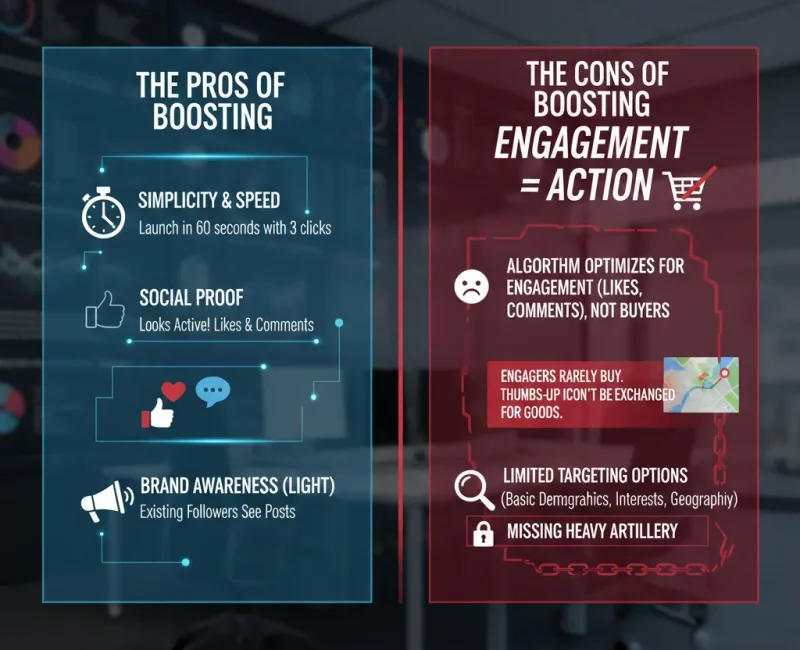
The Pros of Boosting
Boosting isn’t useless. It has specific, limited applications:
- Simplicity & Speed: You can launch a boost in 60 seconds with three clicks. No technical knowledge required.
- Social Proof: If your primary goal is to make your page look active with likes and comments, boosting works. It’s great for vanity metrics.
- Brand Awareness (Light): It’s okay for ensuring your existing followers actually see important announcements, given how significantly organic reach has declined.
The Cons of Boosting
The major downside of boosting is that Meta optimizes these campaigns for engagement, not action.
When you tell Facebook to boost a post, their algorithm seeks out people most likely to double-tap, hit “like,” or leave a comment. These people are rarely buyers. They are “engagers.” You are spending money to accumulate thumbs-up icons, which unfortunately cannot be exchanged for goods and services.
Furthermore, boosting offers extremely limited targeting options. You get basic demographics, interests, and geography, but you are missing the heavy artillery.
Meta Ads Manager: The Fighter Jet Cockpit
If boosting is a megaphone, Meta Ads Manager is the cockpit of a fighter jet. It looks intimidating. There are charts, dozens of tabs, confusing terminology like “attribution windows” and “ROAS.” It requires a learning curve. But this is where real businesses make real money. Meta Ads Manager is the unified platform for creating comprehensive advertising campaigns across Facebook, Instagram, Messenger, and the Audience Network. It is designed not just to get your content seen, but to get your audience to do something. Here is why the professional platform is vastly superior for business growth.
1. The Power of Objectives
When you boost, your objective is basically “get engagement.” In Ads Manager, you choose from dozens of specific business outcomes. Do you want to collect email leads via an on-Facebook form? Do you want people to install your app? Do you want to send traffic to a specific product page on your website? Most importantly, do you want to track actual purchases? Ads Manager optimizes specifically for these goals.
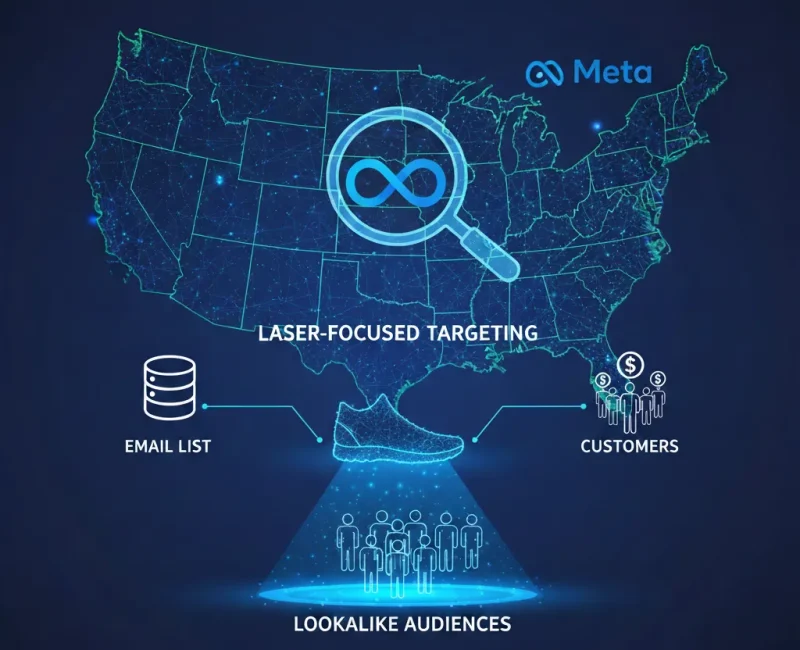
2. Laser-Focused Targeting and Custom Audiences
This is the true magic of Meta. Boosting lets you target “people interested in shoes living in Ohio.” Ads Manager lets you do that, plus things that are infinitely more powerful:
- Custom Audiences: You can upload your email list of existing customers and tell Meta, “Show ads only to these people to upsell them,” or conversely, “Exclude these people because they already bought it.”
- Lookalike Audiences: This is Meta’s superpower. You can take that list of your best 1,000 customers, feed it to Meta, and say, “Find me 500,000 other people in the country who look and behave exactly like my buyers.” The algorithm is terrifyingly good at this.
3. Creative Control and “Dark Posts”
When you boost, you are limited to boosting something already on your timeline. Ads Manager allows you to create “dark posts.” These are ads that run in the background; they never appear on your public-facing business page. This means you can test 20 different headlines and 20 different images simultaneously to see what works best, without cluttering up your page feed with fifty variations of the same ad.
4. The Meta Pixel
Perhaps the most critical difference is the ability to utilize the Meta Pixel effectively. The Pixel is a piece of code placed on your website that “talks” to Ads Manager. If you boost a post linking to your store, you know people clicked. That’s it. If you run a Conversion campaign in Ads Manager with the Pixel installed, Meta knows that Person A clicked the ad, viewed the product, added it to the cart, but abandoned it. You can then automatically retarget that specific person with a “Did you forget something?” ad the next day.
Summary Comparison
| Feature | Boost Post | Meta Ads Manager |
|---|---|---|
| Difficulty | Extremely Easy | Moderate to High |
| Primary Goal | Engagement (Likes, Comments) | Conversions, Leads, Sales, Traffic |
| Placement Options | Limited (mostly Newsfeed) | Extensive (Stories, Reels, Sidebar, Apps, etc.) |
| Creative Types | Existing Timeline Posts only | Carousels, Collections, Dark Posts, Dynamic Ads |
| Targeting | Basic Interests/Demographics | Advanced, Custom Audiences, Lookalikes |
| Retargeting | Very Limited | Full Capability (Website visitors, cart abandoners) |
When to Use Which Tool
The debate isn’t about one being “bad” and the other “good.” It’s about using the right tool for the job.
Stick to Boosting if: You have a huge announcement (like a store closing due to snow) and just need your current followers to see it immediately, or if you have extra budget and just want to inflate the “likes” on a particular photo for social proof.
Upgrade to Meta Ads Manager if: You want to sell products, generate leads, get people to sign up for your newsletter, drive actual foot traffic to a local store, or achieve a positive return on your ad spend (ROAS).
Conclusion
The blue “Boost” button is designed to be frictionless. It’s an easy revenue stream for Meta that capitalizes on the desire for quick visibility. But growing a business isn’t about quick visibility; it’s about sustainable customer acquisition.
While Meta Ads Manager is complex, it is the necessary step up for any business serious about digital marketing. Stop paying for thumbs-up. Start paying for customers. It’s time to step into the cockpit.